Mac mini M4
US$129/mo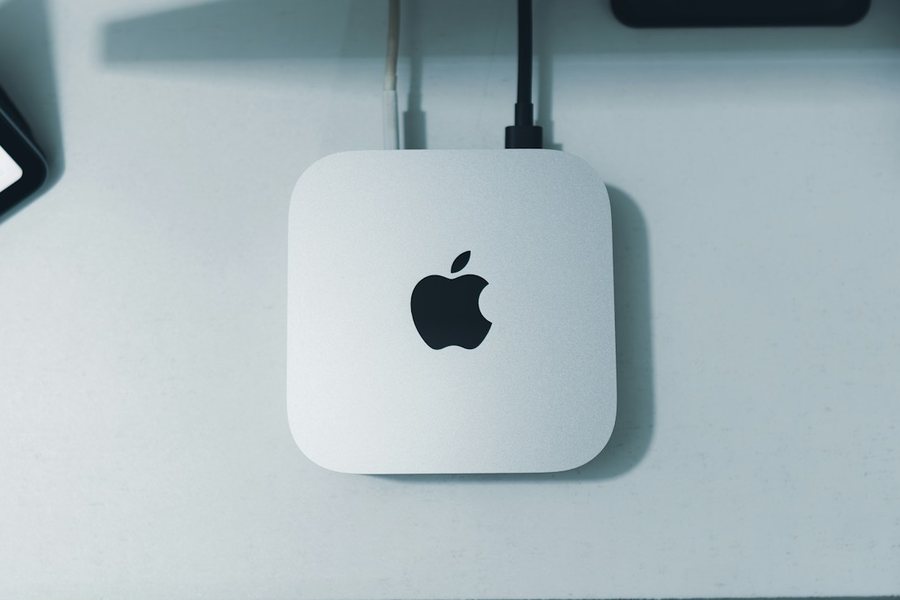
- Chip
- Apple M4 · 10-core CPU · 10-core GPU
- Memory
- 16 GB unified
- Storage
- 512 GB SSD
- Best for
- CI runners, daily builds
A dedicated Mac mini, M4 or the new M6, rented by the day, week, month or year. Xcode, the iOS Simulator, CI runners and coding agents on Apple silicon that’s yours alone.
Full admin · Private tunnel, no open ports · Minimum 24 hours · Cancel any month
Same access and tooling on both models. One customer per Mac, never a virtual machine.
macOS has to run on Apple hardware. Instead of a Mac under a desk on office Wi-Fi, put the job on a Mac that’s always on.
Build from Windows or Linux, run the Simulator, archive and upload to App Store Connect. Your Apple Account, your Xcode version.
A self-hosted runner for GitHub Actions, GitLab, Buildkite or Jenkins. Warm caches between runs and no per-minute macOS pricing.
Give Claude Code or Codex an isolated Mac with Xcode and the Simulator, and let it build and test around the clock without touching your laptop.
Everything included
No per-minute billing, no bandwidth meter, no ticket to open when something hangs. Your Mac comes with the tools a developer expects, and a dashboard that puts the power button in your hands.
How it works
Sign up, pay, connect. Reboot or reset to a clean macOS from your dashboard. Nobody has to email you a password.
Pay by card for a day, a week, a month or longer. A quick identity check keeps every Mac with a real developer.
You get a hostname, an admin account and your SSH key installed. Clean macOS, nothing from the previous customer.
SSH from any terminal, or Screen Sharing from Mac, Windows or Linux. Sign in to your Apple Account, install Xcode, and you’re working.
Pricing
No setup fee, no bandwidth charges, no per-minute build billing. Every Mac ships with 16 GB and 512 GB.
10-core CPU · 10-core GPU
US$129 per month
or US$15 for 24 hours · US$79 a week
12-core CPU · 12-core GPU
US$159 per month
or US$19 for 24 hours · US$99 a week
Pick the term at checkout. Prepaid terms renew at the same rate unless you cancel.
| Term | Mac mini M4 | Mac mini M6 | vs monthly |
|---|---|---|---|
| 24 hours | US$15 | US$19 | — |
| 1 week | US$79 | US$99 | — |
| 1 month | US$129 · US$129/mo | US$159 · US$159/mo | — |
| 3 months | US$349 · US$116/mo | US$429 · US$143/mo | Save 10% |
| 6 months | US$649 · US$108/mo | US$799 · US$133/mo | Save 16% |
| 12 months | US$1,199 · US$100/mo | US$1,469 · US$122/mo | Save 23% |
Need an M4 Pro, more memory, more storage or several Macs? Talk to us
Prices in US dollars. Minimum lease 24 hours, as Apple’s macOS licence requires. Terms are prepaid and don’t auto-renew — renew any time from your dashboard.
Compare
Entry Mac mini plan at each provider, as shown on their public pricing pages in October 2026. Excluding tax.
| Provider | Chip · Memory / SSD | Monthly | Minimum | Self-serve reboot |
|---|---|---|---|---|
| RunMac | M4 · 16 GB / 512 GB | US$129 | 24 hours | Reboot, force restart, reset |
| RunMac | M6 · 16 GB / 512 GB | US$159 | 24 hours | Reboot, force restart, reset |
| MacStadium | M4 · 16 GB / 256 GB | US$149 | 1 month | Not listed |
| MacRent | M4 · 16 GB / 256 GB (M6 +US$20) | US$159 | 1 day | Not listed |
| Scaleway | M4 · 16 GB / 256 GB | €149 | 24 hours | Reboot |
| JEXMAC | M4 · 16 GB / 256 GB | US$21.50 / day | 1 day | Not listed |
| AWS EC2 Mac | M4 dedicated host | ≈ US$900 | 24 hours | Reboot, stop/start |
Exclusive use, 24-hour minimum, and you accept the macOS licence at signup. We’ve notified Apple of our leasing service. Bring your own Apple Account and Xcode.
We collect aggregate CPU, memory, disk and network totals plus session counts to keep the fleet healthy. Never your files, process names or commands. It’s written into the terms.
When a lease ends the Mac is erased with Erase All Content and Settings and rebuilt before the next customer. No shared storage between customers, ever.
Yes. A physical Mac mini with its own network port. No hypervisor, no time-sharing, no other tenant, and you get an admin account.
In Sydney, Australia. Remote desktop feels local from Australia and New Zealand and stays responsive from Singapore, Tokyo and Seoul. From the US or Europe, SSH and CI workloads are unaffected, but an interactive desktop session will notice the distance.
Prices are in US dollars. Australian customers are charged GST and receive a tax invoice, which Australian businesses can claim back. In the UK, EU, Canada and some other countries the sale is made through Link, Stripe’s merchant of record, which adds the local VAT or GST at checkout. Elsewhere nothing is added until RooNow is registered in your country. Buying for a company? Enter its name and tax number at checkout so they print on the invoice.
Same memory and disk on both. The M6 has two more CPU and GPU cores and newer silicon, so builds and test suites finish sooner. For a CI runner that mostly waits on git and network, the M4 is the better value. You pick at checkout, and if a model is temporarily out of stock you’ll see that before you pay and can join its waitlist.
Not yet. Sign in with your own Apple Account and install Xcode from the App Store or developer.apple.com. It takes about 15 minutes on our connection.
That’s the main use. Register it as a self-hosted runner for GitHub Actions, GitLab, Buildkite or Jenkins and pay a flat price instead of per-minute macOS rates.
Apple’s macOS licence allows leasing for developer services only when each lease runs at least 24 consecutive hours on a Mac used exclusively by one customer. Every reputable host has the same rule.
Over SSH, on a hostname and port that are yours for the whole lease, authenticated with the SSH public key you give us at checkout — no passwords on the internet-facing port. Screen Sharing (VNC) runs inside that SSH connection, so it works from Mac, Windows or Linux with any VNC client. A tunnel fallback is included for the rare case the direct route is interrupted.
Your Mac has a fixed hostname and port on a static IP in Sydney, which is what CI runners, SSH and Screen Sharing need. A dedicated IPv4 address per Mac, for inbound webhooks or hosting a dev server, is available on request as an add-on.
Each Mac has its own wired gigabit port on business fibre with 4G backup. Uplink is shared fairly across the fleet; CI pulls, Xcode downloads and simulator traffic are normal use, and there is no bandwidth meter.
Yes. The macOS firewall is on in stealth mode on every Mac, and only your SSH port is reachable from the internet. Need another inbound port opened? Email us and we’ll forward it to your Mac.
Message us from your dashboard or email contact@runmac.dev, and we reply within 24 hours on business days (AEST). Guides are in the help center at runmac.dev/help, and fleet status is at runmac.dev/status.
Press Reboot in your dashboard. On Macs with remote power control, Force restart cuts the power and brings it back. Still stuck? Message us from your dashboard: our health check flags a Mac that stops responding, and we look into it.
Anything outside building, testing and development, as Apple’s licence puts it. No iMessage or Apple ID farms, no reselling slices of the Mac, no mining. We end abusive leases.
Pick an M4 or M6, pay by card, and start building on a Mac mini that’s yours alone.